
Content blocks included on this page:
Header: Image
Image: Animated
Image: Full Bleed
Image: Text Overlay
Text
Cards (Min 2)
Container: Media + Inner Blocks
Media: Columns (2 or 3)
Media: Thumbnail Gallery
Header: Image
Page Title
Image: Animated
OUTER BLOCK
The Image: Animated outer content block provides a two-column layout where the left column provide space for a background image and, if desired, a foreground image on top of it that animates into place when the user scrolls passed it.
The right column allows you to place Inner Content Block.

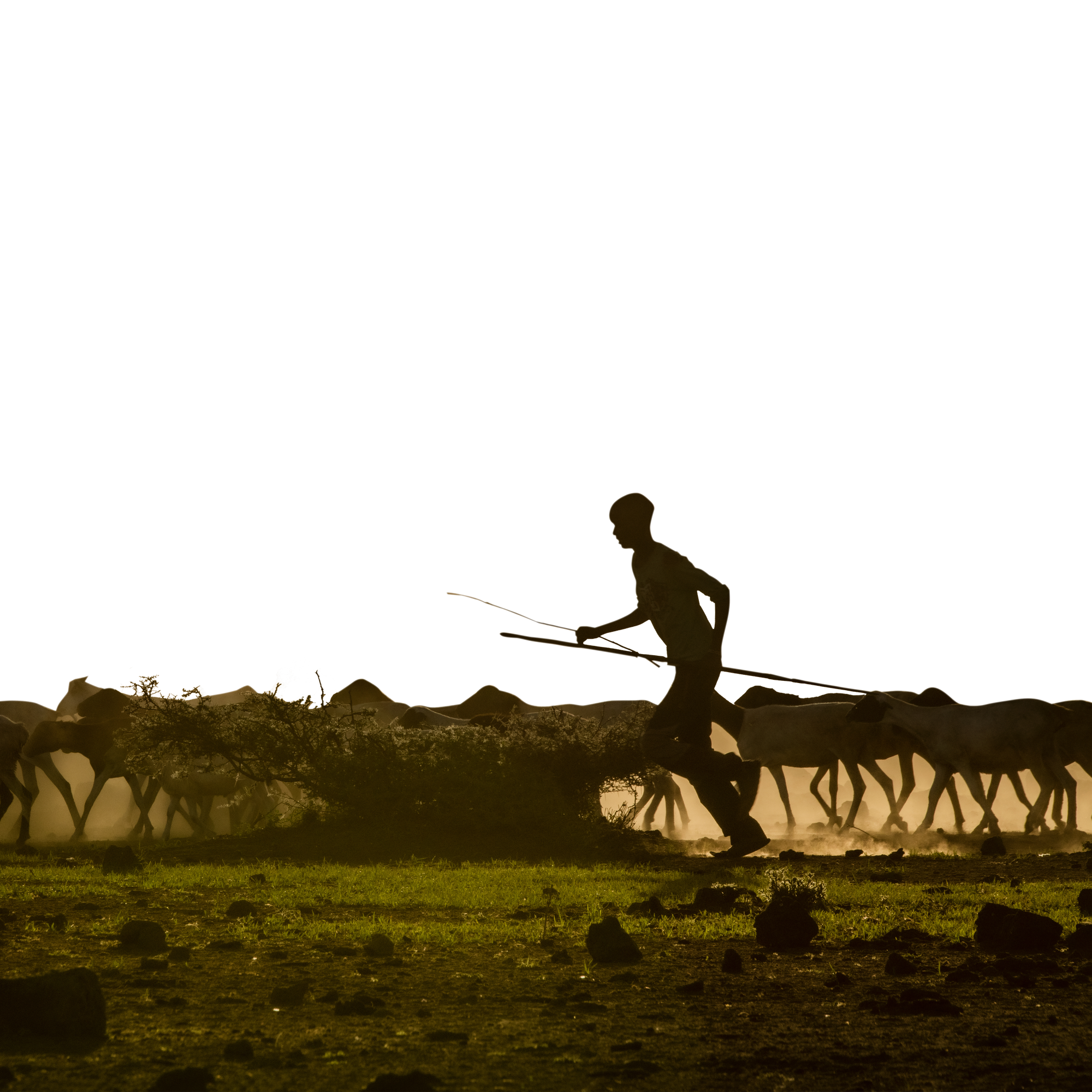
With foreground image
The foreground image will animate as users scroll past it. It may take some time to edit the image to ensure this works well, e.g. remove the foreground objects, fill in the gaps in the background, keeping the edges aligned.
You can fit in any inner block on the right side; this is a Text block, followed by a Button: Text block.

Without foreground image
The content block still works without a foreground image, thus removing what makes this block "animated."
You can fit in any inner block on the right side; this is a Text block, followed by a Callout: Quote block.
Here's a really persuasive quote"
Image: Full Bleed
Image: Text Overlay
Text fieldStats field
Text


Cards (Min 2)


Container: Media + Inner Blocks

Header 2
Header 3
Lorem ipsum dolor sit amet, consectetur adipiscing elit. Mauris eu lectus euismod, luctus augue et, rhoncus turpis. Morbi iaculis neque et est porta faucibus. Integer arcu diam, semper nec fermentum ac, malesuada ac turpis. Etiam velit mauris, tristique id justo vitae, eleifend bibendum diam. Aenean vel faucibus tortor. Nullam congue erat vel viverra luctus. Mauris sollicitudin lectus pellentesque tristique ullamcorper. Donec finibus dignissim dolor, sit amet tempus diam commodo at. Class aptent taciti sociosqu ad litora torquent per conubia nostra, per inceptos himenaeos. Aliquam fringilla maximus felis ut posuere.
Media: Columns (2 or 3)
Caption — Lorem ipsum dolor sit amet, consectetur adipiscing elit. Pellentesque aliquam nisl ut leo lacinia, quis placerat leo aliquam. Mauris nec varius sapien. Donec a ante est.
Caption — Lorem ipsum dolor sit amet, consectetur adipiscing elit. Pellentesque aliquam nisl ut leo lacinia, quis placerat leo aliquam. Mauris nec varius sapien. Donec a ante est.
Caption — Lorem ipsum dolor sit amet, consectetur adipiscing elit. Pellentesque aliquam nisl ut leo lacinia, quis placerat leo aliquam. Mauris nec varius sapien. Donec a ante est.
Media: Thumbnail Gallery
INNER BLOCK
The Media: Thumbnail Gallery inner content block allows you to display a thumbnail gallery with multiple images. It is recommended that you include at least three images, but no more than six because the functionality requires that users scroll down to click the thumbnail and scroll up to view the enlarged image.